iWorld
Online Instagram Downloader vs Apps: Which Is Safer for Saving Videos?


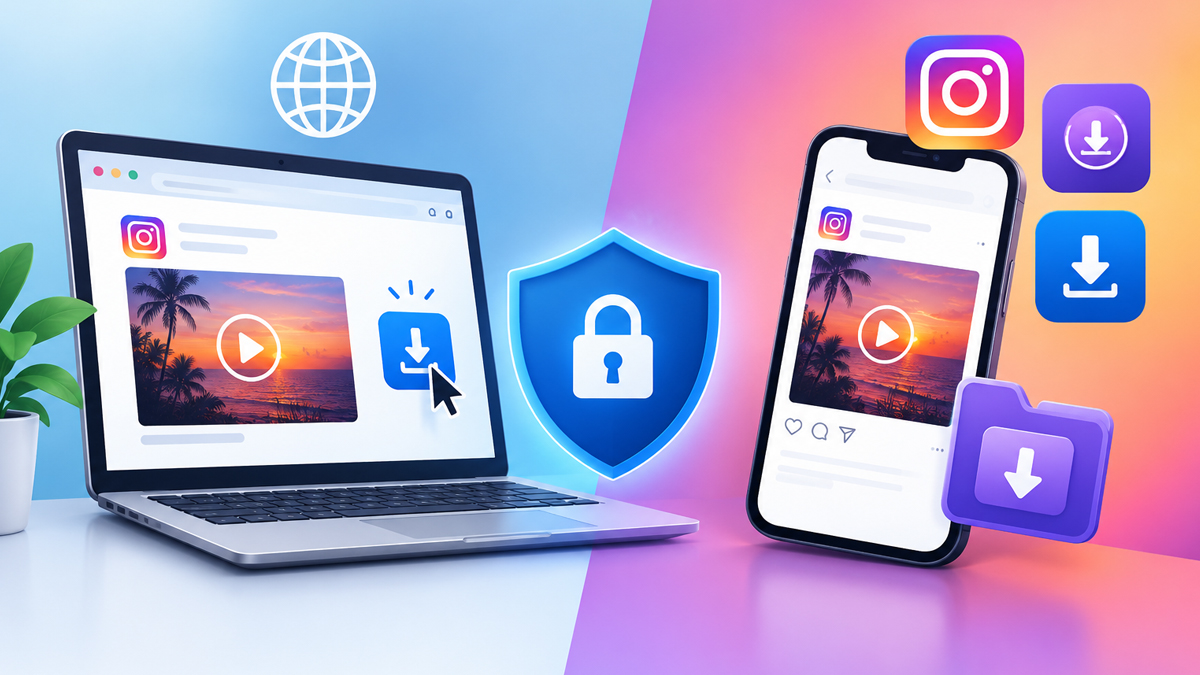
Search the Play Store for “Instagram video downloader” and you get dozens of apps, while a quick Google search turns up just as many websites that do the same job without an install. Both save the same Reel to your phone. The difference that matters is what each one can touch on your phone and your Instagram account while it does that, and that’s where a quick download can turn into a hijacked account or a phone full of pop-up ads.
What Each Option Gets Access To on Your Phone
A website gets exactly one thing from you: the link you paste into its box. It runs inside your browser, so it can’t open your gallery, read your contacts or switch on your camera, and once you close the tab it has no way to keep running.
An app asks for more at install. Storage or photos and videos access is the usual starting point, since it needs somewhere to save files. Many downloaders also ask to send notifications, and some ask for “display over other apps” so they can float a download button on top of Instagram. Each of those stays granted until you go into settings and remove it.
Clipboard access is where the gap gets specific. Downloaders that “auto-detect” your link read the clipboard the moment you open them, which means they also see anything else you copied, such as a password or an address. Android 10 and later block apps from reading it in the background, and iPhones show a “pasted from” banner when an app grabs it, but the read still happens every time the app comes to the front. A website only sees what you paste into it yourself.
Where the Real Risk Comes From With Downloader Apps
APK Files From Outside the Play Store or App Store
Installing an APK means turning on “install unknown apps” for your browser or file manager, and that file skips the review every Play Store app goes through. The only check left is Google Play Protect on your phone, if it’s switched on.
“Pro” or modded versions that promise no ads or extra features are the riskiest kind. Someone other than the original developer changed the code, and there’s no way to see what they added, whether it’s adware that fills your screen with ads or code that quietly collects data from your phone.
Apps That Ask You to Log In to Instagram
Downloading a public video needs no login at all, so an app asking for your Instagram username and password wants something besides the video. Typing them into a third-party app hands over your credentials directly, and that’s how accounts get taken over or start following and liking things on their own.
Even an honest app can cause trouble here. Instagram watches for logins from unofficial apps, and one can trigger a security check, a forced password reset or a temporary lock on your account.
Store Apps That Are Mostly Ads
Being on the Play Store doesn’t make an app pleasant to use. Plenty of downloaders there show a full-screen ad before every download, place a large fake “Download” button that opens an ad instead, or push a weekly subscription for features a free website already offers.
Where the Risk Comes From With Online Downloaders
Websites have their own problems, mostly ad-related. Some open pop-ups or send you to a new tab the first time you tap anywhere on the page, and others put a big green “Download” button near the real one that leads to an ad, a fake virus warning or another site.
The prompt worth watching is “Allow notifications.” Tapping Allow lets the site push alerts to your phone even after you leave, and those are often spam or fake warnings. If it already happened, remove the site in your browser’s notification settings.
None of that reaches your Instagram account as long as you never type in your login. A site that asks you to sign in to Instagram or install a browser extension before downloading has moved from annoying to risky, and it’s time to close the tab.
Which One Is Safer for Your Situation
Saving a Video Once in a While
If you save a Reel every week or two, an Online Instagram Downloader is the safer choice. Nothing gets installed, no permissions are granted, and when you close the tab nothing stays behind on your phone.
Saving Videos Every Day or in Bulk
Heavy use is where an app starts to make sense, but only one that passes three checks: it comes from the official Play Store or App Store, it never asks for your Instagram login, and the only permission it needs is storage or photos access. An app that fails any of those isn’t worth the convenience.
The trade-off is simple. A website costs you a few extra taps each time you paste a link. An app saves those taps but stays on your phone with whatever access you gave it, getting updates you don’t review, for as long as you keep it installed.
A Safe Way to Save a Video Without Installing Anything
Start on Instagram: tap the share icon under the video and choose Copy link.
Next, open a browser tool that lets you save instagram video for free, paste the link into the box and tap Download. A trustworthy tool won’t ask you to log in or add an extension at any point.
When the preview loads, use the download button directly under it. Buttons elsewhere on the page, especially flashy ones at the top or sides, are usually ads.
If the site asks to show notifications, tap Block.
Then check that the file arrived. On Android it’s in the Downloads folder, and on iPhone it’s in the Files app under Downloads, where you can tap the share icon and choose Save Video to move it into Photos.
Red Flags That Mean You Should Close the Tab or Uninstall
• It asks for your Instagram username or password, even with a promise that it’s “only to verify.”
• It wants you to install an extension, an APK or a “verification app” before the download starts.
• It requests permissions a downloader has no use for, such as contacts, SMS messages or accessibility access, which can let an app read what’s on your screen.
• Tapping Download sends you to a survey, a prize page or a payment screen instead of giving you the file.