Applications
Tips to keep in mind while customising your lock screen


Mumbai: Your phone’s lock screen might seem like a small detail, but it’s the first thing you see every time you pick up the phone. Why not turn your lock screen into an interactive space that reflects your style and passions? With a few tweaks, you can transform your lock screen from dull to “wow!” So, ditch the default and personalise the space with these top tips:
Interactive widgets:
Choose widgets that go beyond just displaying information. Add small, glanceable widgets that allow you to perform quick actions without unlocking your device. For example, control your music, check the weather, or preview your emails or messages directly from the lock screen. Some widgets come with productivity apps, letting you access reminders, notes, and quick information from them, in a glance. Experiment with different fonts, sizes, and styles for the clock to make it stand out. You even get animated clock faces too.

Quick glance, big impact:
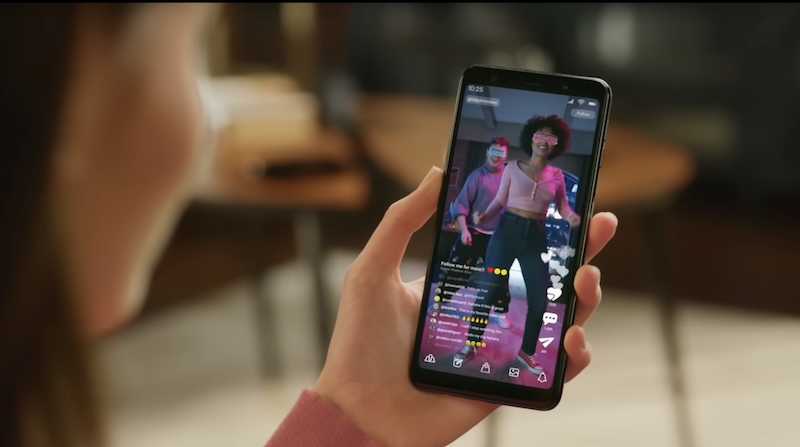
Want instant access to information without unlocking your phone or downloading multiple apps? Use the Glance Smart Lock Screen. Available on most leading Android smartphones in India, Glance brings personalised and premium content to the lock screen through the power of artificial intelligence (AI) and partnership with premium publishers. Glance is a 100 per cent ‘opt-in’ platform, empowering users to decide how they want to experience the lock screen. Users can easily opt-out at any time through the phone’s settings screen.
Un-clutter your notifications:
Customise how notifications appear on your lock screen to strike a balance between staying informed and maintaining privacy. Choose which apps can display sensitive information and tweak settings to avoid clutter.
Wacky wallpapers:
Ditch the generic and set a dynamic wallpaper carousel. This elevates your lock screen experience, adds an element of surprise, and keeps things visually interesting.
Shortcuts to the rescue:
You can access the camera, enable DND, QR code scanner, and video camera, and launch the torch from the lock screen. So, choose what’s important to you and enable it for super quick access.
Privacy is the key:
While personalisation is fun, be mindful of what information you display on your lock screen. Avoid sensitive details like your home address or banking information, especially if your phone unlocks easily.
With all these tips you can maximise the potential of your lock screen. Tailor it to your liking and customize everything to make sure your lock screen makes your phone browsing much easier, with just a few tweaks you can ensure you’re getting all the content you want – one glance at a time!




Applications
With 57 per cent single new users, Ashley Madison rebrands as discreet dating platform
Platform says majority of new members now identify as single
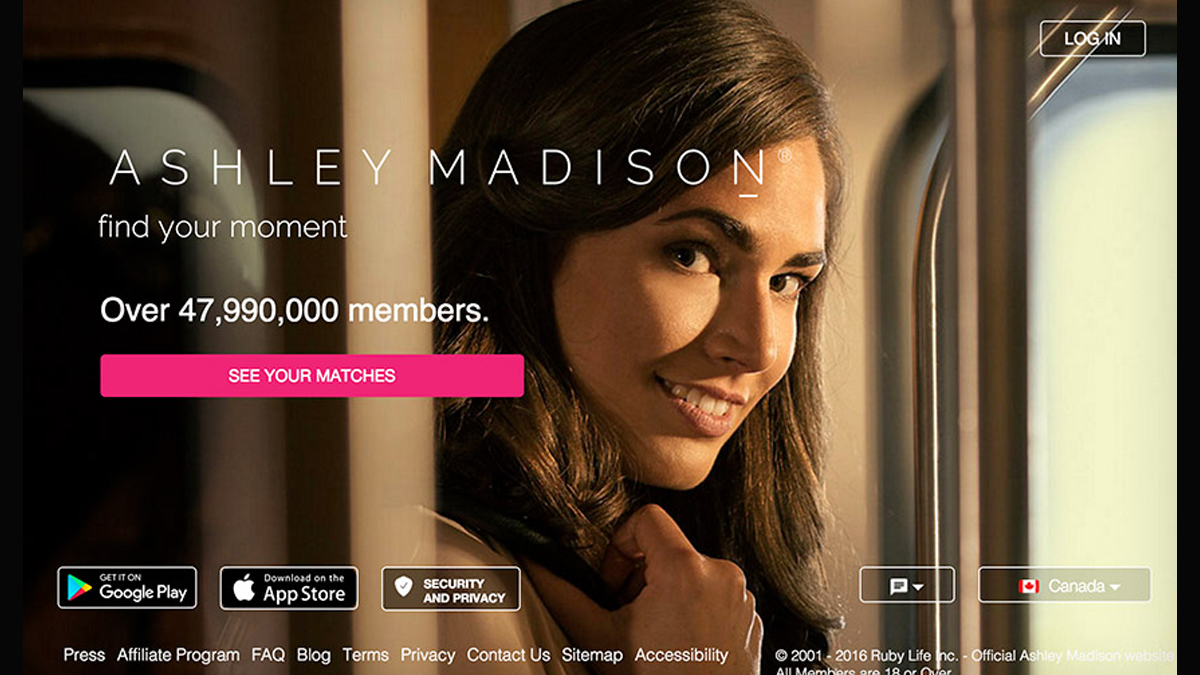
INDIA: Ashley Madison is shedding the “married-dating” label that defined it for two decades, repositioning itself as a platform for discreet dating in what it calls the post-social media age.
The rebrand, unveiled in India on 27 February, 2026, marks a structural shift in business model and identity. Once synonymous with married dating, the company now describes itself as the “premier destination for discreet dating” under a new tagline: Where Desire Meets Discretion.
The pivot is data-driven. Internal figures show that 57 per cent of global sign-ups between 1 January and 31 December, 2025 identified as single: a notable departure from the platform’s married core. The company argues that its community has already evolved beyond its original positioning.
“In an age where our lives have been constantly put on public display, privacy has become the new luxury,” said Ashley Madison chief strategy officer Paul Keable. He framed the platform’s offering as “ethical discretion” for singles, separated, divorced and non-monogamous users seeking private connections.
The shift also taps into wider digital fatigue. A global survey conducted by YouGov for Ashley Madison, covering 13,071 adults across Australia, Brazil, Canada, Germany, India, Italy, Mexico, Spain, Switzerland, the UK and the US, found mounting discomfort with hyper-public online lives.
Among dating app users, 30 per cent cited constant swiping and messaging as a source of fatigue, while 24 per cent pointed to pressure to curate public-facing profiles and early personal disclosure. Some 27 per cent said fears of screenshots or information being shared contributed to exhaustion; an equal share cited unwanted attention.
The retreat from oversharing appears broader. According to the survey, 46 per cent of adults actively try to keep most aspects of their life private online. Only 8 per cent feel comfortable sharing most aspects publicly, while 35 per cent say they are becoming more selective about what they disclose.
Ashley Madison is betting that this cultural recalibration towards controlled visibility can be monetised. By doubling down on privacy infrastructure and reframing itself around discretion rather than infidelity, the company is attempting to convert reputational baggage into a premium proposition.